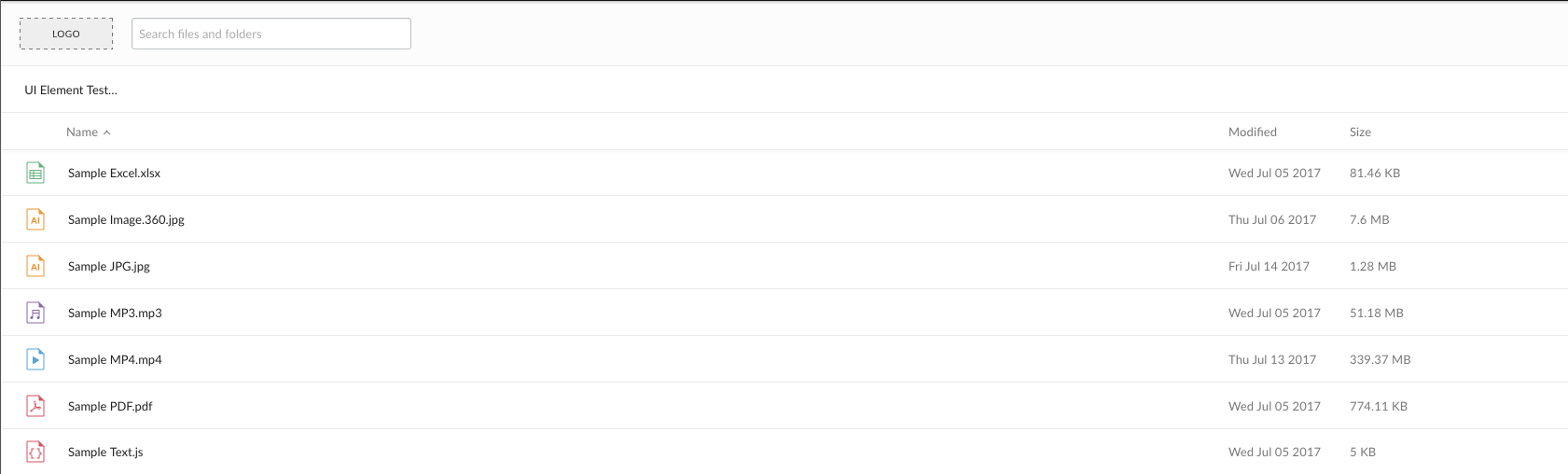
Each of the Box UI Elements allow for specifying a custom logo to place in the
top-left corner of the embedded container.
By default, each of the UI Elements uses a generic placeholder as a logo. This
is meant to be replaced by either a Box logo or a custom logo, such as a
company’s logo.
To add a logo to a UI Element, supply a URL for a logo as an option in in the
Javascript setup code. The following is an example of how to do this with the
Content Preview UI Element.
Box LogoTo present the Box logo in a UI Element, specify the string box as the
logoURL option.
Image size
Images files will be fitted to a maximum height of 32 pixels and a maximum width
of 80 pixels. Larger images will be shrunk to fit these dimensions.