

date is displayed to a user as a date picker.
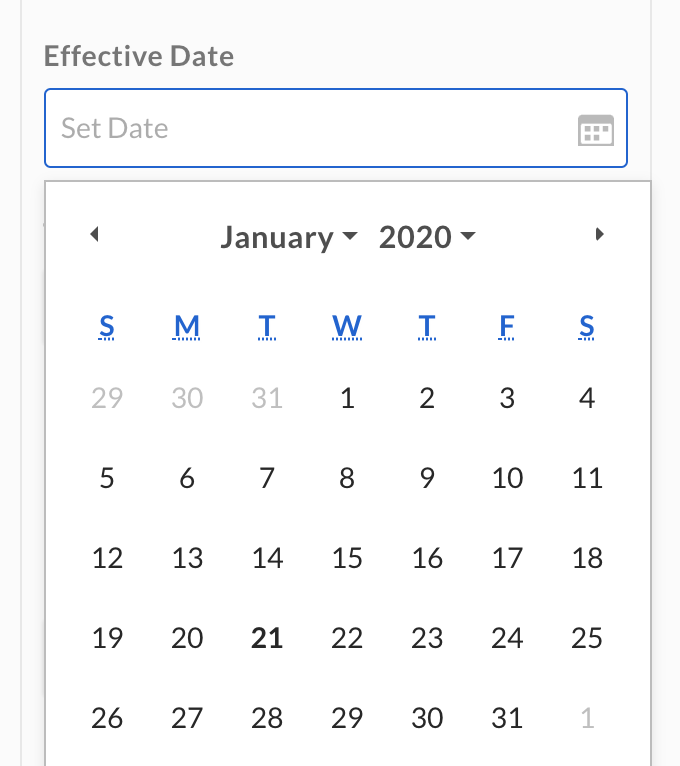
Although dates are presented to users in the Box Web app as date-pickers, the
actual dates are actually stored as in
RFC3339 format, with up to
millisecond precision. The time part of the date is always set to T00:00:00.000Z.Create a date field
Adate field can be added to a metadata template either when , or when with the addField operation.
The required attributes for a date field are a type, a displayName, and a
key.
description can be provided that is shown to a user in the UI,
and the field can be set to hidden to hide it from users in the web and mobile
apps.
Update a date field
Adate template field can be updated by it belongs to. Updates to templates happen through
operations to ensure that any template that is already assigned to a file or
folder is updated as well.
When updating a date metadata field, the only relevant operation is the
editField operation, which can be used to change the field’s key,
displayName, description, and hidden values.