It is possible to for an OAuth 2.0 application to act on behalf of another user through the as-user header.
In this situation the user ID is the Box identifier for a user. User IDs can be found for any user via the GET /users endpoint, which is only available to admins, or by calling the GET /users/me endpoint with an authenticated user session.

Preconditions

Using the as-user header has a few requirements. Firstly, the application needs to be configured to perform actions as users in the Developer Console.
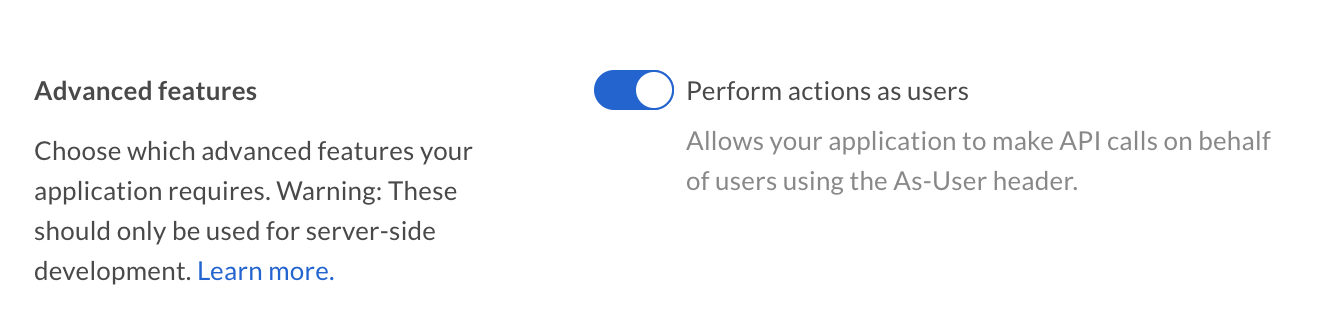
Advanced Features
Additionally, the authenticated user needs to be a user with admin permissions, meaning either an admin, co-admin, or service account. Co-admin users will also need the ‘Manage Users’ permission scope. See our guide on User Types for more details.

as-user using SDKs

Please note that some of our SDKs create new clients for the other user, while others modify the existing client and provide a way to return to a state where the client authenticates for the original user itself.
Last modified on March 19, 2026