> ## Documentation Index
> Fetch the complete documentation index at: https://developer.box.com/llms.txt
> Use this file to discover all available pages before exploring further.
# Select Auth Method
> Choose between User and Server app types when creating a Box Platform App.
export const SignupCTA = ({children}) => {
return
;
};
export const Link = ({href, children, className, ...props}) => {
const localizedHref = localizeLink(href);
return
{children}
;
};
When you create a new app in the
[Developer Console](https://app.box.com/developers/console), Box asks you to
select an app type based on how your app runs. Pick the one that matches your
use case.
## OAuth 2.0
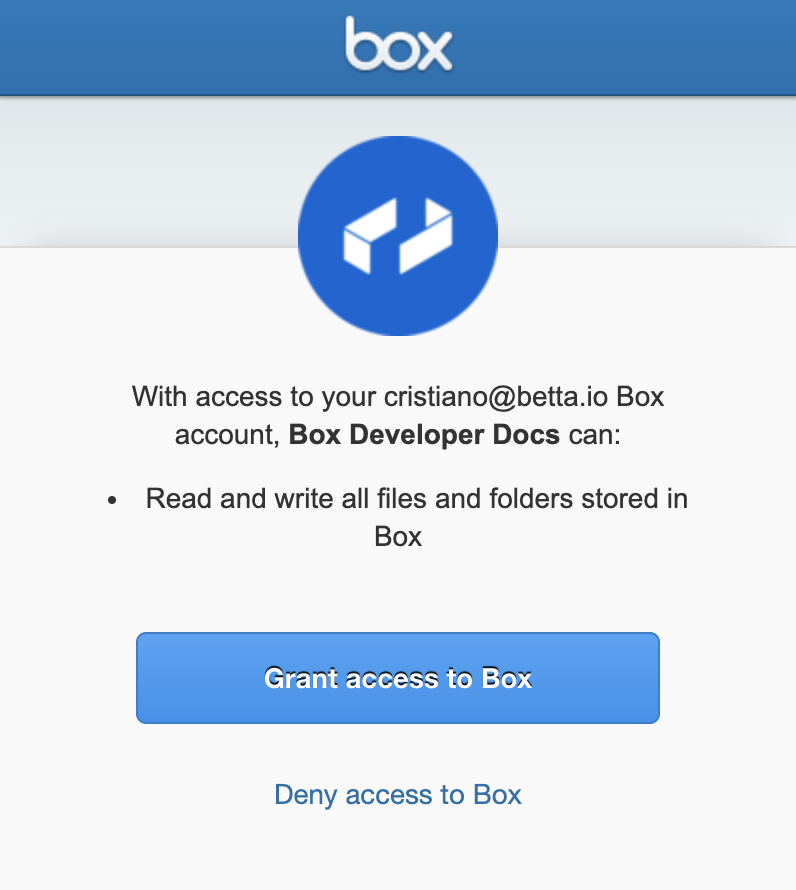
Choose the **User** app type if your app runs in a browser or has a user-facing login
flow. OAuth 2.0 redirects end users to Box to log in and authorize the
application to act on their behalf.
**When to use OAuth 2.0?**
OAuth 2.0 is the ideal authentication method for apps that:
* work with users who have existing Box accounts
* use Box for identity management, so users know they are using Box
* store data within each user's account rather than within an application's
Service Account
## Server authentication
Choose **Server** if your app is a backend service, automation,
or any integration that runs without direct user interaction. Server
authentication apps do not require end-user login and, if granted the proper
privileges, can act on behalf of any user in an enterprise.
A server authentication app uses one of two authentication methods:
* **Client Credentials Grant (CCG)**:
verifies identity using a client ID and client secret.
* **JWT**:
verifies identity using a public/private keypair.
Whether you pick the method while creating the app or set it afterward from the
**Configuration** tab depends on an enterprise setting. See
[Choosing and changing the authentication method](#changing-between-client-credentials-and-jwt).
**When to use server authentication?**
Server authentication is the ideal path for apps that:
* work with users who do not have Box accounts
* use their own identity system
* do not want users to know they are using Box
* store data within the application's Service Account rather than within a
user's account
### Changing between Client Credentials and JWT
The **Switch server app auth type (CCG or JWT)** enterprise setting controls
whether developers can change a server authentication app's method after the app
has been created. A Box Admin manages it in **Admin Console** >
**Enterprise Settings** > **Platform Apps**. It is enabled by default for free
developer accounts and disabled by default for enterprises.
Client Credentials Grant is always the default: if you click **Create** without
changing anything, the new app uses CCG. The setting determines whether the
method is locked and if the **Create a New App** dialog surfaces the choice
up front.
When the setting is enabled, the **Create a New App** dialog does not show a
method picker. The app is simply created using Client Credentials Grant. You can
then switch to JWT, or back to CCG, at any time from the **Configuration** tab in
the [Developer Console](https://app.box.com/developers/console).
When the setting is disabled, the **Create a New App** dialog shows a
**Select Method** step with **Client Credentials Grant** preselected. Because the
method is fixed for the life of the app, this is your chance to pick **JWT**
instead. To change the method afterward, create a new app.
Changing the authentication type will revoke all credentials that are specific
to the previous type. That includes JWT key pairs, passphrases, and any uploaded
public keys. Your developer token will not be revoked.
Changing auth type will cause downtime for any production traffic. It is your
responsibility to rotate secrets afterward. Only do this during a maintenance
window or before your app begins handling production traffic.
When switching is enabled, you must complete
[multi-factor authentication](https://support.box.com/hc/en-us/articles/360043697154-Two-Factor-Authentication-Set-Up-for-Your-Account)
before saving the change. Re-authorization by a Box Admin is not required
after the change.
All other application configurations - scopes, webhooks, CORS domains, and
advanced features - are preserved.
## Comparison
The following is a quick overview of the key differences between authentication
methods.
| | OAuth 2.0 | CCG | JWT |
| --------------------------------- | --------- | --- | --- |
| Requires user involvement? | Yes | No | No |
| Requires admin approval? | No | Yes | Yes |
| Can act on behalf of other users? | Yes | Yes | Yes |
| Do users see Box? | Yes | No | No |
| Can create App Users? | No | Yes | Yes |
| Default for new server-side apps? | — | Yes | No |
Apps created with a free developer account are authorized automatically. In that environment, JWT and Client Credentials Grant apps don't require a separate admin approval step before use. Platform App Approval provides more details details on authorization.
An Access Token is tied to a specific Box user. The way the token has been
obtained determines who that user is.
For example, when using OAuth 2.0 the token represents the user who granted
access to their account, while when using server authentication the token
defaults to the application's Service Account.
Ready to start building? A free developer account gives you access to the Developer Console, where you can create a Platform App and start building in minutes.